





The LinkedIn outreach tool with the CRM built in
Get more of your LinkedIn invites seen. Retry the ones other tools drop, and run every reply and deal from one place.



What you get in one LinkedIn outreach tool

LinkedIn campaigns
Paced connection requests, messages and follow-ups, sent from your own LinkedIn accounts.

Email and WhatsApp steps
Add Gmail, Outlook, IMAP or WhatsApp steps to any LinkedIn campaign when one channel isn't enough.

A CRM that's already built in
People, companies, lists, deals and tasks, right next to the campaigns and conversations they came from.

One inbox for every reply
Answer LinkedIn, email and WhatsApp messages from one shared inbox your whole team can work from.

Booking links
Send a booking link and see each meeting tied to the campaign that earned it. On Automate.

Workflows and MCP
Trigger follow-ups on replies and stage changes, or connect your own AI assistant through MCP. On Automate.
From first invite to closed deal, in one tool
Bring your LinkedIn history with you
Import contacts by CSV or with our direct import tool, and Klovis CRM syncs your full LinkedIn history, so every past conversation is there on day one.
Switching tools doesn't mean starting again with an empty pipeline.
Run human-like, personalised LinkedIn campaigns
Use LinkedIn profile variables, a different message for each campaign and conditional steps on every plan. Add email or WhatsApp steps when you need them.
Each account warms up gradually and sends at a pace learned from real salespeople.
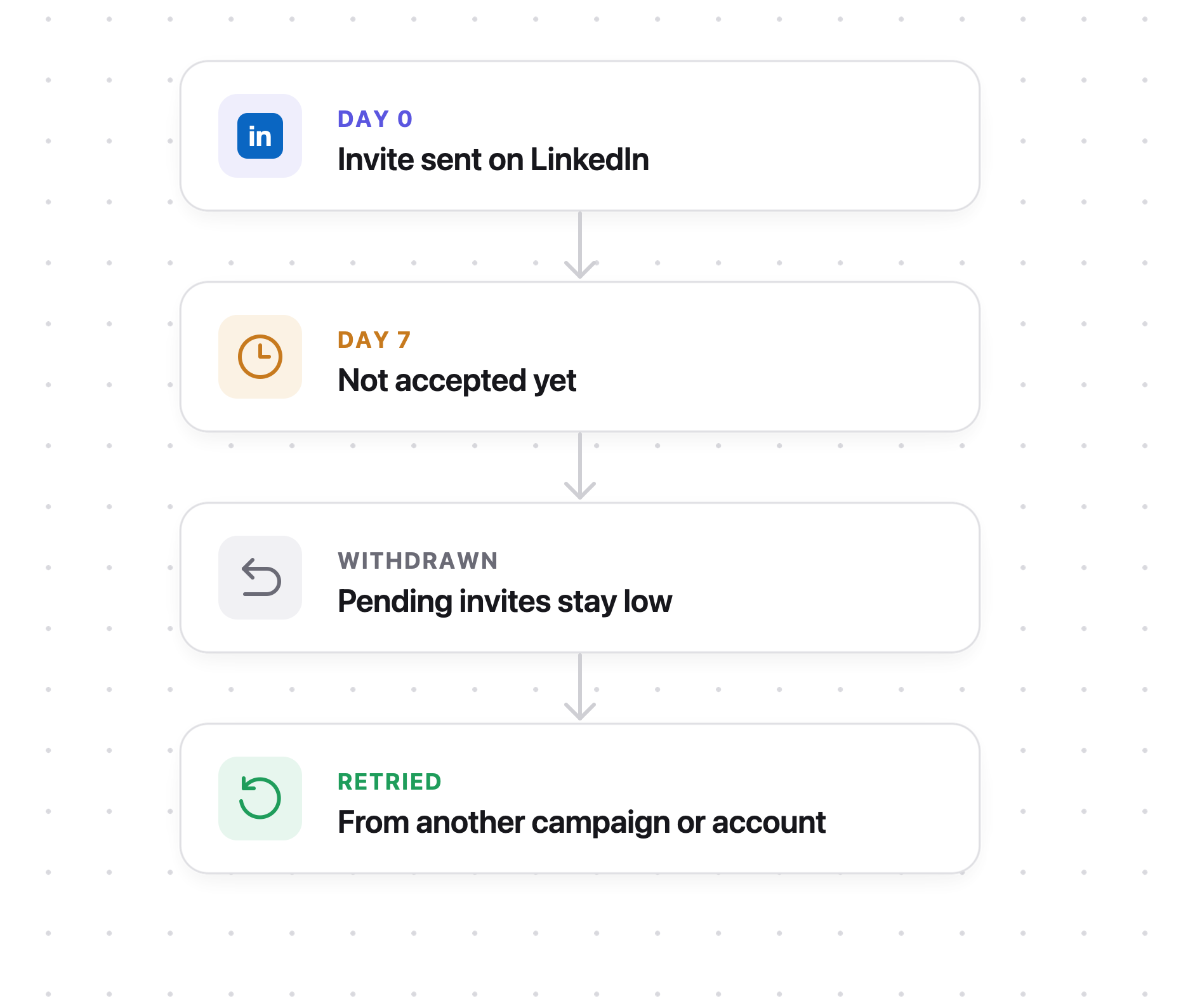
Retry every invite that wasn't accepted
Across every invite sent through Klovis CRM, 90% of acceptances happen in the first week. After that, we withdraw the invite to keep your account healthy.
After LinkedIn's three-week wait, we retry from another campaign or LinkedIn account. Every plan includes this, and custom recycling flows are on Automate.
Every reply lands in one inbox
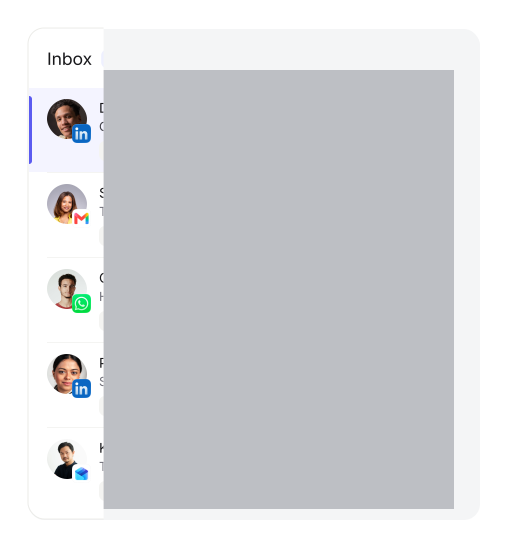
LinkedIn, email and WhatsApp replies arrive in one shared inbox, so nobody on your team has to check three apps.
Open any person to see the whole conversation, on every channel, in the order it happened.
Close the deal where the conversation happened
Turn replies into opportunities, assign tasks and send booking links, with each meeting tied back to the campaign that earned it.
No exports to a separate CRM, and no integration to keep alive.
Three reasons teams switch to Klovis CRM
Retry the invites nobody saw
Most leads go cold because they never saw your invite in time, not because they weren't interested. Klovis CRM retries the invites other tools quietly withdraw, so more of your list hears your offer.
Pacing learned from real salespeople
We tried random wait times first, and LinkedIn spotted the pattern. Now Klovis CRM's timing is learned from over 100 LinkedIn accounts used for manual sales, with warm-up, working hours and profile views built in.
The CRM is built in, not bolted on
Teams who switched from other LinkedIn tools were paying for integrations that moved only part of their data, and some messaged existing customers by mistake. In Klovis CRM, every conversation, person and deal is one record.
“We replaced three tools with Klovis. Every reply from LinkedIn and email now sits in one inbox, and our pipeline finally matches reality.”
Founder, digital marketing agency
“Booking meetings used to mean copy-pasting between tabs. Now the follow-ups fire themselves and my calendar fills up.”
Founder, AI marketing agency
“Our outreach campaigns are completely managed on Klovis and our calendars are more full than ever”
Sales Director, SaaS company
Every LinkedIn conversation, person and deal in one place
Built for teams that sell on LinkedIn

SaaS teams
Run outbound from the same place you track every deal, with no charge per team member.

Agencies
Run each client's LinkedIn outreach from one workspace, priced per LinkedIn account.

Founder-led sales
Book your first meetings without juggling a LinkedIn tool, a CRM and a spreadsheet.

SDR teams
Give the whole team access to replies, tasks and deals, and pay only for the LinkedIn accounts you connect.
Questions about Klovis CRM
Yes. Every account starts with a 14-day free trial of the Automate plan, no card needed. After that, plans start at $79 per connected LinkedIn account a month, and team members are always free.
Yes. Every plan has LinkedIn profile variables, a different message per campaign and conditional steps. On Automate, MCP lets your own AI assistant write steps with the full context of the person and the conversation.
Every account sends on its own pattern, learned from real salespeople. New accounts warm up over about two weeks, sends stay inside working hours, and pending invites are withdrawn to keep them low. Limits depend on the account, not the plan.
Core is $79 and Automate is $89 per connected LinkedIn account a month, and annual billing costs ten months. Email adds $10 and WhatsApp $15 per connected account. Intelligence ($99) is coming soon.
Yes. Import contacts by CSV or with our direct import tool, and Klovis CRM syncs your full LinkedIn history, so nothing from your old tool is lost.