





Meeting booking & follow-up automation
Klovis CRM lets you book meetings straight from the conversation: on the Automate plan, booking links tie each meeting to the campaign that earned it, and workflows follow up when someone replies or a deal changes stage.
Talk to Sales →Get Started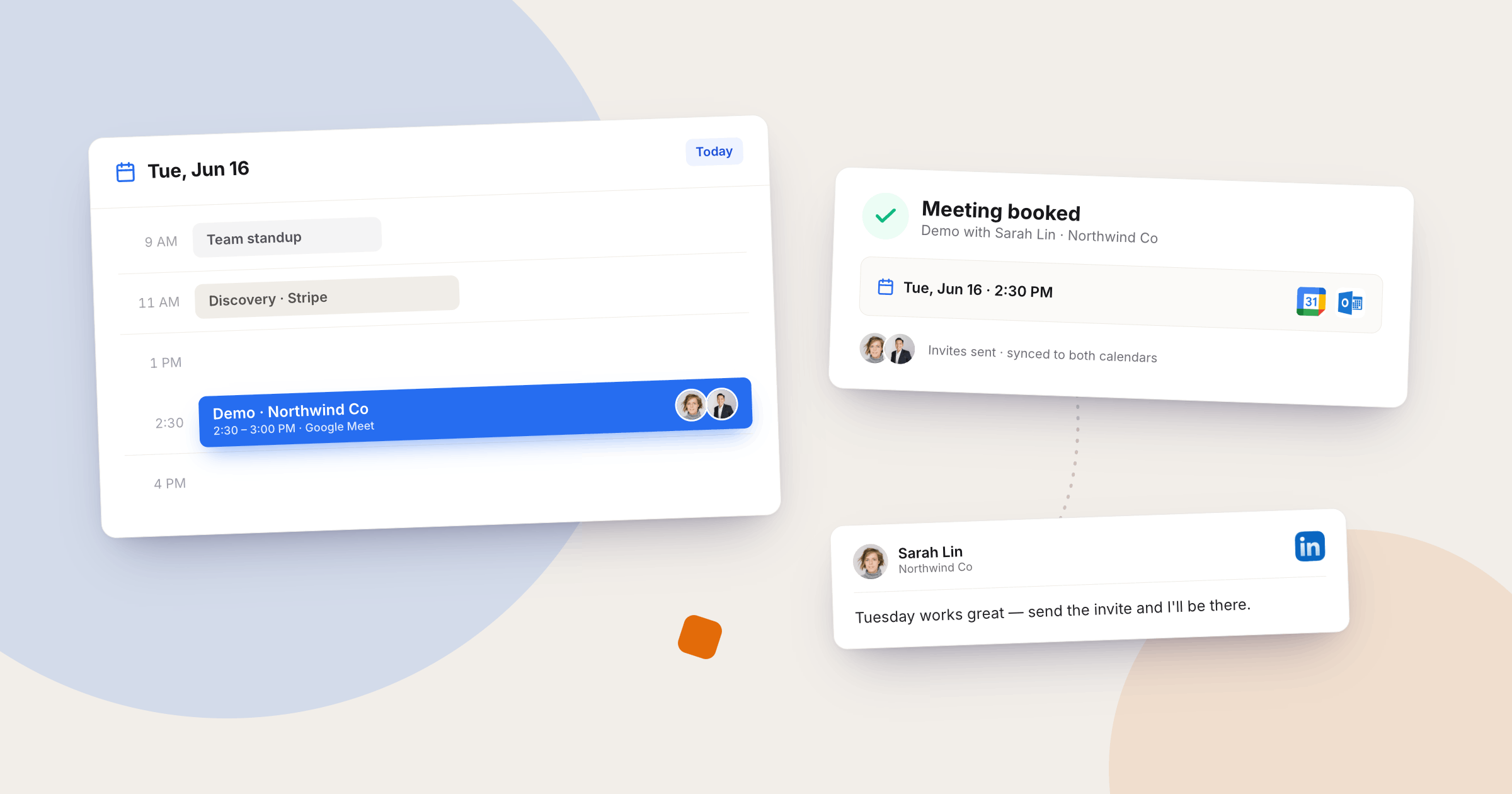

Book from the conversation
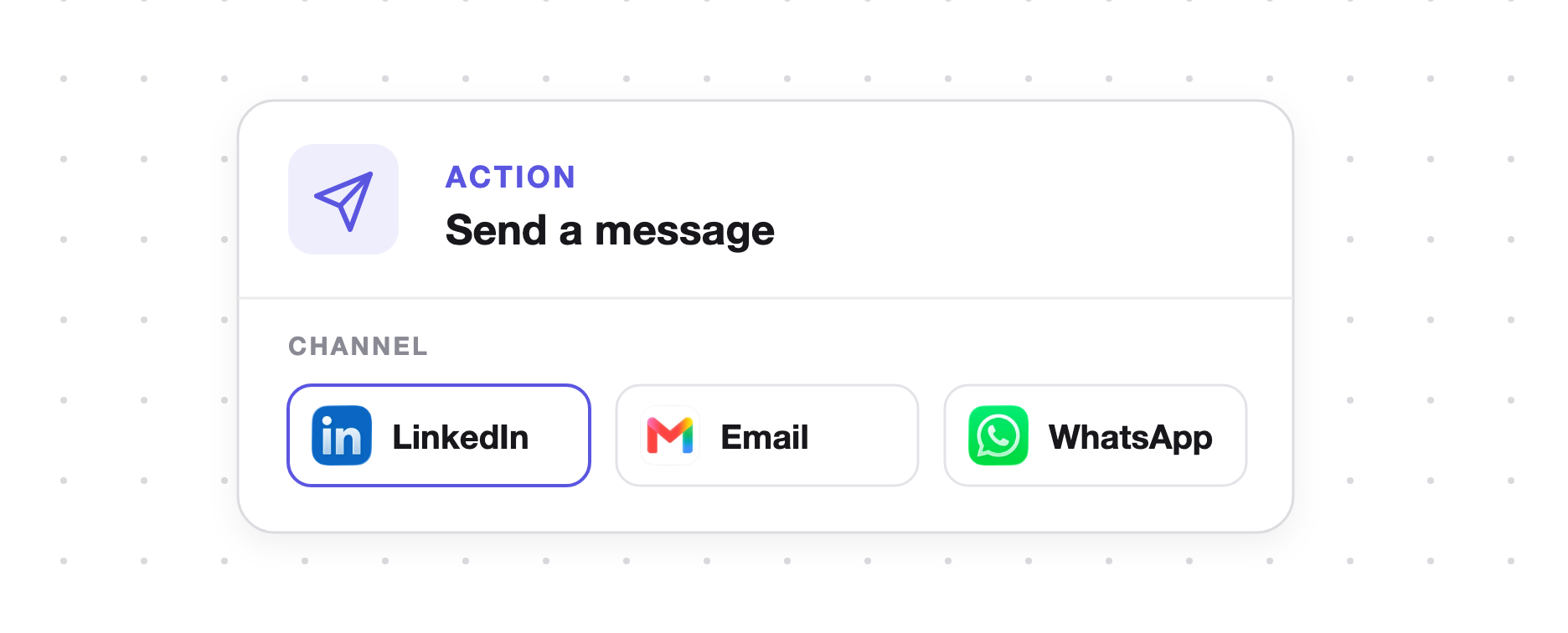
- Links where they replied. Send a booking link on LinkedIn, email or WhatsApp, wherever the prospect answered.
- Prefilled meetings. Create a meeting from the thread with the person's details already filled in.
- On the Automate plan. Booking links, calendar and workflows come with Automate, from $89 per account a month.
Follow-ups triggered by what happens
- Triggered by replies. A workflow can follow up as soon as someone replies.
- Triggered by stage changes. When a deal moves stage, the next step can go out without you.
- Set it up once. Build a workflow once and it runs for every conversation that matches.

Know which campaign earned each meeting
- Meeting to campaign. Each booked meeting is tied to the campaign that earned it.
- Proof from a customer. One customer booked 6 meetings on day one, against about 6 a week before.
- Opportunities next. Turn each booked meeting into an opportunity with tasks for what happens after the call.
Everything between a reply and a booked call
Booking links
Share a booking link in the conversation so the prospect picks a time while they're still interested.
Calendar
The Automate plan includes a calendar for the meetings your campaigns produce.
Meetings from the thread
Create a meeting from the conversation, prefilled with the person you're talking to.
Workflows
Follow up when someone replies or a deal changes stage, without writing each message by hand.
Shared inbox
Replies from LinkedIn, email and WhatsApp land in one inbox, so no interested reply sits unseen in another app.
Opportunities and tasks
Move booked prospects into opportunities and keep the follow-up as a task.
Frequently asked questions
What is meeting booking automation?
Meeting booking automation takes the back and forth out of scheduling, so a prospect who is interested can book a time straight away. In Klovis CRM, booking links and workflows sit next to your outreach, so meetings come straight from the conversation.
Which plan includes booking links?
Booking links, the calendar and workflows are on the Automate plan, $89 per connected LinkedIn account a month. The 14-day free trial runs on Automate, no card needed.
What can trigger a workflow?
Workflows in Klovis CRM trigger when someone replies or when a deal changes stage.
How does Klovis CRM lead to more meetings?
It recovers leads lost to invites nobody accepted or saw in time by withdrawing and retrying them, so the same conversion rate gets more attempts.
How is Klovis CRM priced?
Klovis CRM is priced per connected LinkedIn account, from $79 a month. Team members are free, and email and WhatsApp are optional add-ons per account. Every plan starts with a 14-day free trial, no card needed.